Step-by-step guide
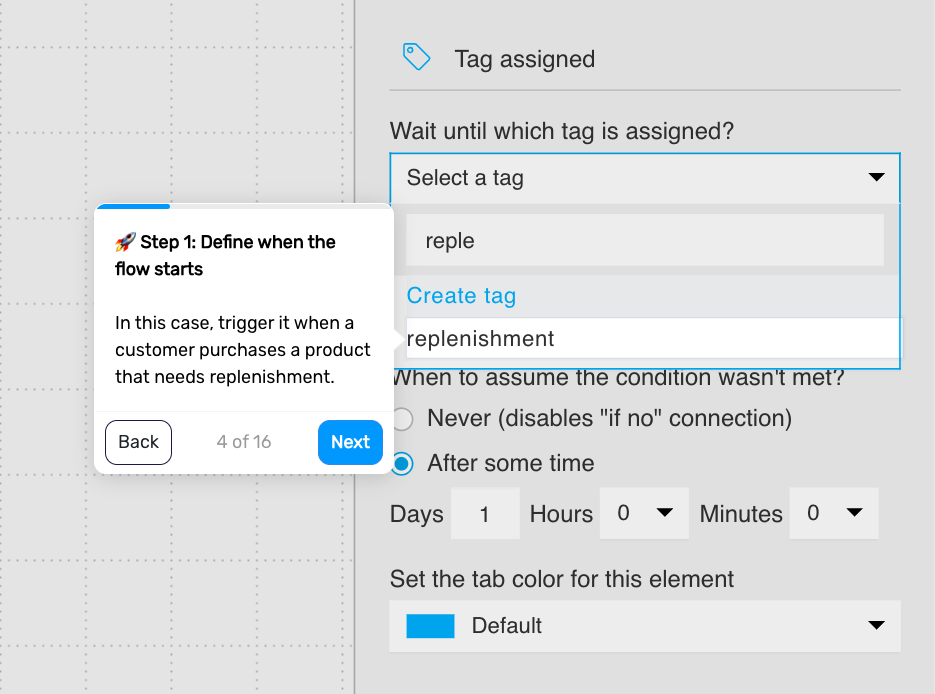
Step 1. Define when the flow is triggered
Trigger the flow when a customer purchases a product that needs to be replenished. This ensures the reminder is tied to products that are used over time.
You can limit this to specific products or categories, such as consumables or repeat-use items.
Step 2. Add a delay based on product usage
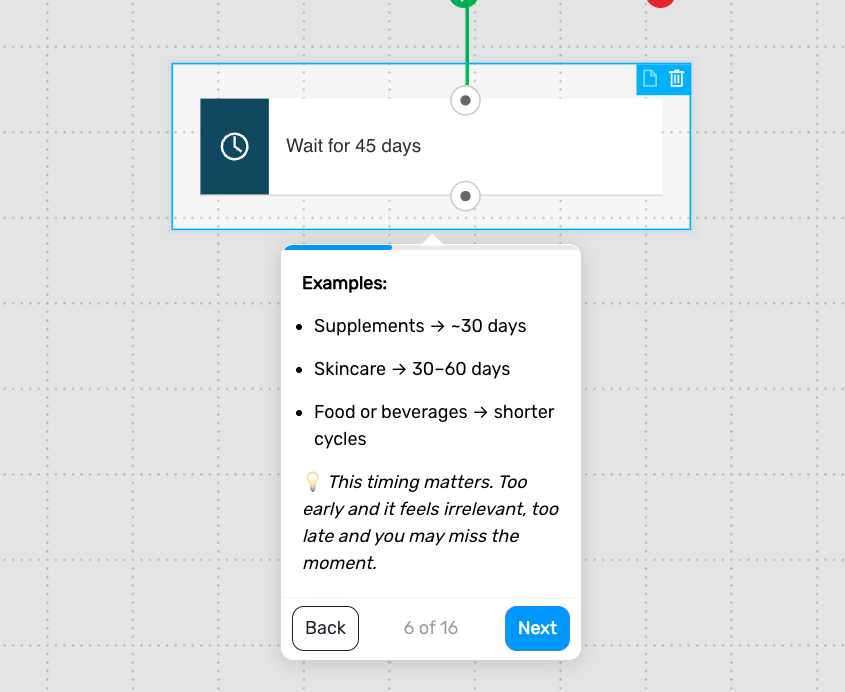
Wait for a period that reflects how long the product typically lasts.
Examples:
supplements → around 30 days
skincare → 30–60 days
food or beverages → shorter cycles
This timing is critical, as it determines whether your message arrives too early or at the right moment.
Step 3. Check for repeat purchase
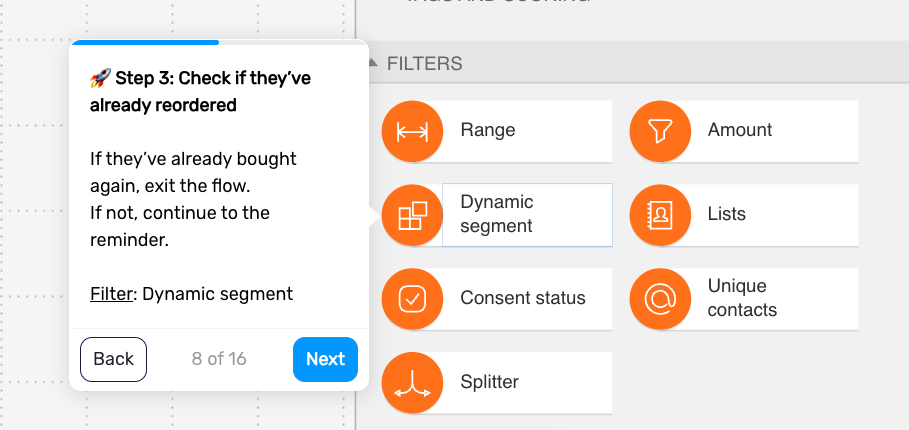
Check whether the customer has already reordered the product. If they have, remove them from the flow. If not, continue.
This prevents sending unnecessary reminders.
Step 4. Send the replenishment message
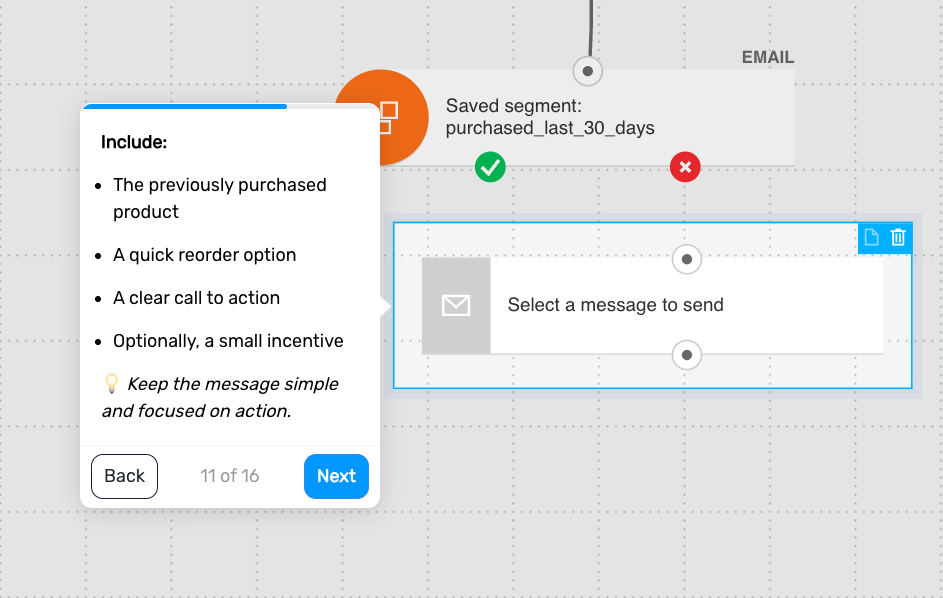
Remind the customer to reorder when they are likely running out.
Include:
the previously purchased product
a quick reorder option
a clear call to action
optionally, a small incentive
Keep the message simple and focused on action.
Step 5. Add a delay
Wait a short period before the next step. This gives the customer time to respond to the email.
Step 6. Check again for repeat purchase
Check again whether the customer has reordered.
If yes, remove them from the flow
If not, continue
This ensures you only follow up with customers who still need the reminder.
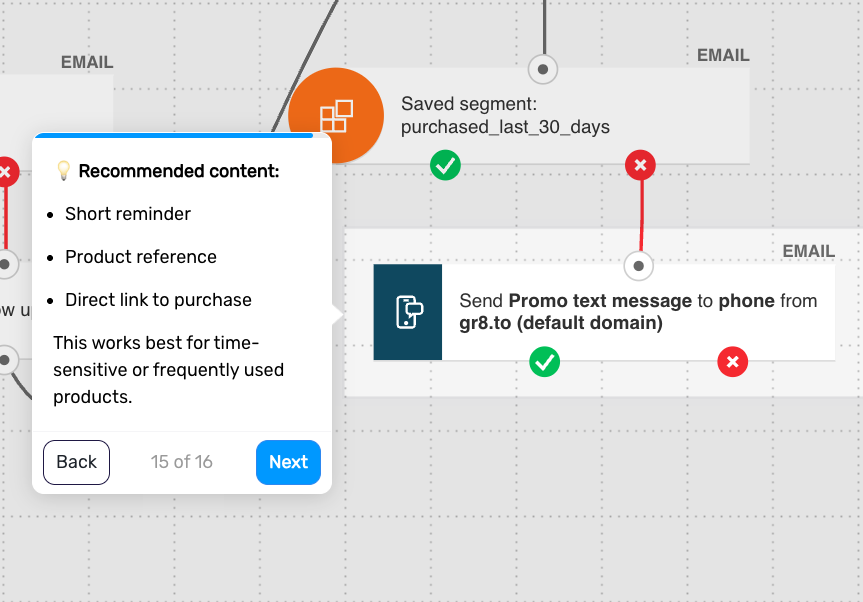
Step 7. Send an SMS or push reminder (optional)
Follow up through SMS or web push for customers who haven’t reordered.
Keep the message short and direct:
reference the product
include a quick reorder link
This works especially well for time-sensitive or frequently used products.
Step 8. End the flow
The flow ends after the reminder sequence or when the customer makes another purchase.
Pro tip: Use real reorder data (time between first and second purchase) to refine timing over time – instead of relying on assumed product usage cycles.