Step-by-step guide
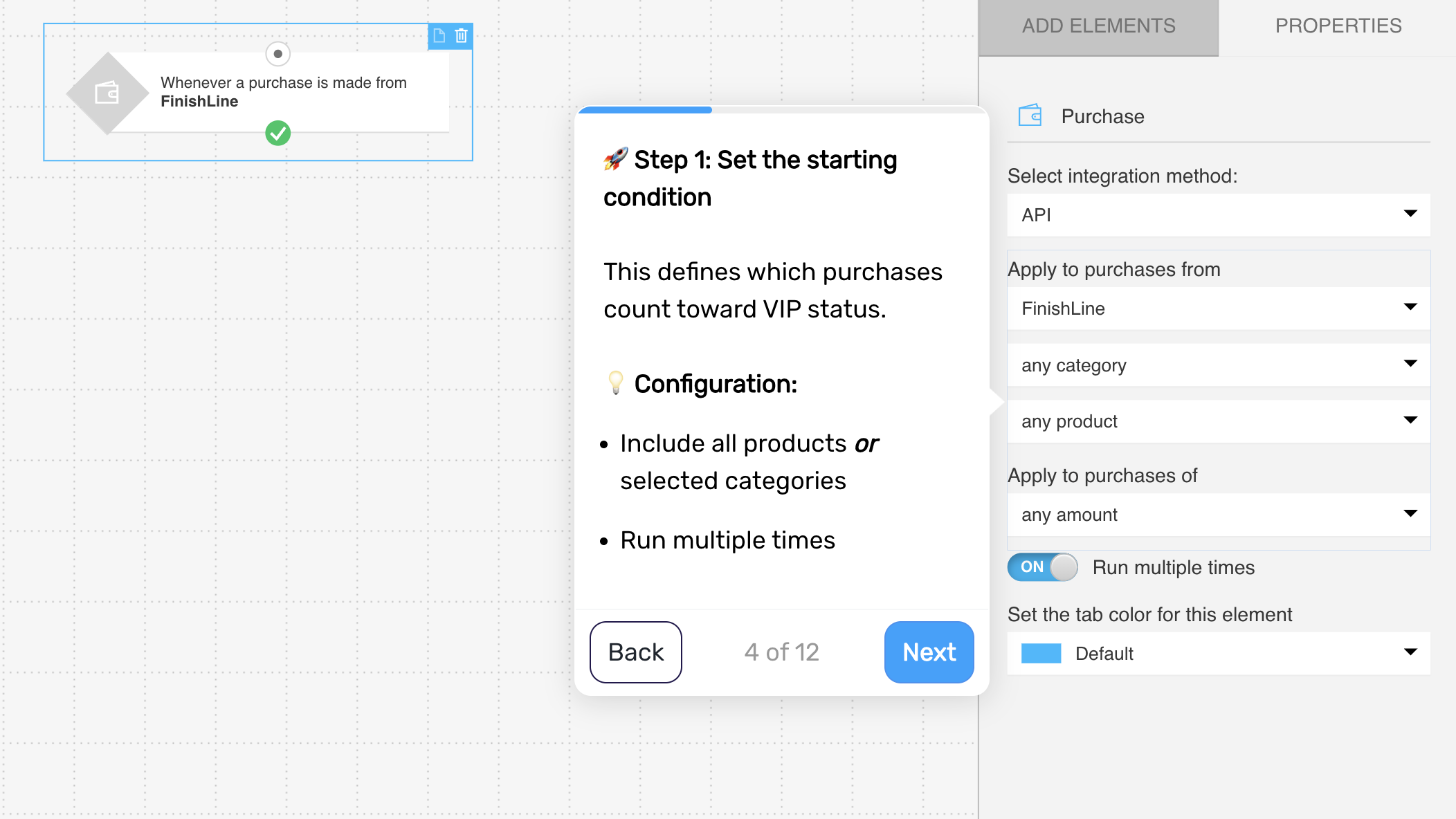
Step 1. Define when the flow is triggered
Trigger the flow when a customer makes a purchase. This allows you to track their activity over time and identify when they reach VIP status.
Step 2. Check whether the customer meets VIP criteria
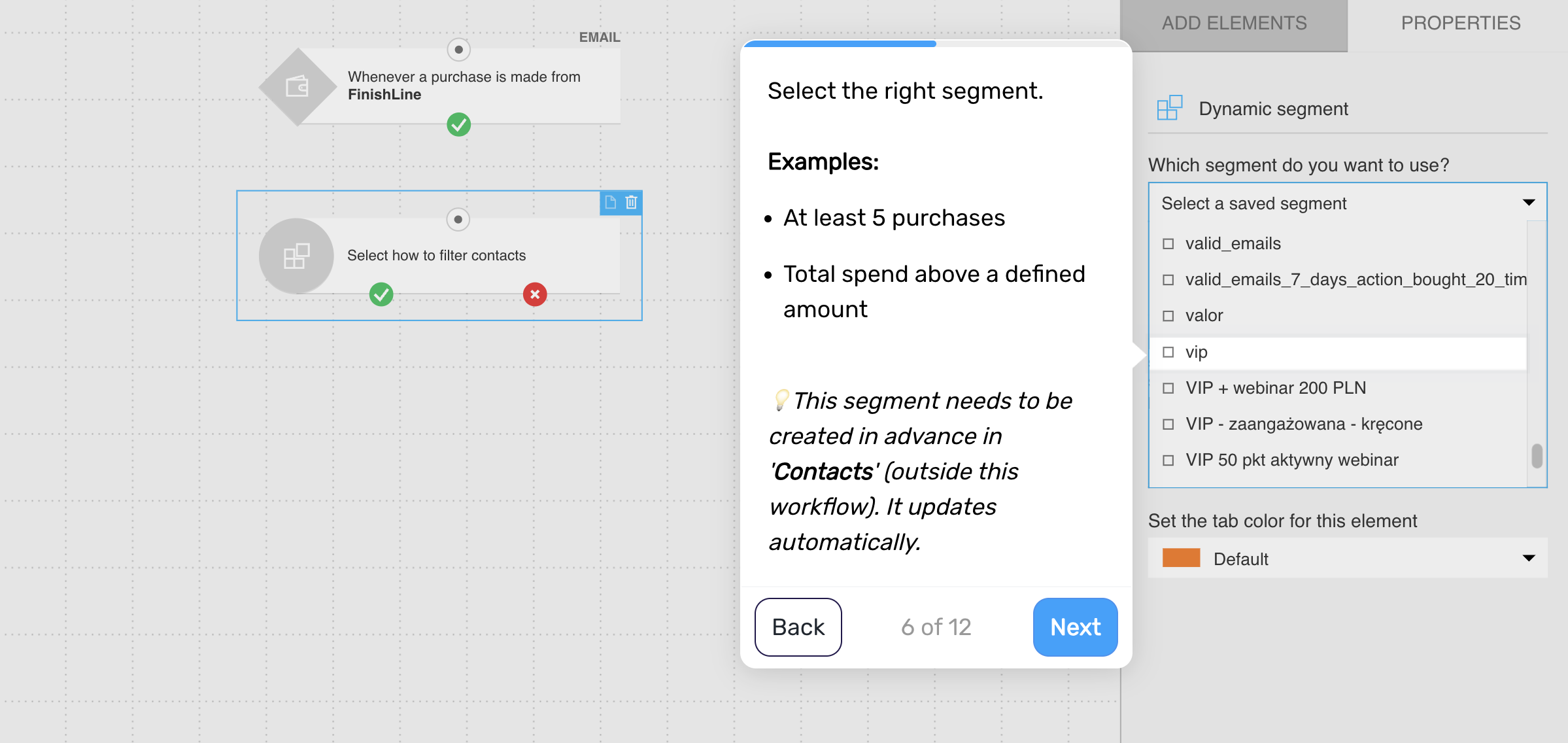
Evaluate whether the customer has reached your VIP threshold.
Examples:
at least 5 purchases
total spend above a defined amount
If yes, continue
If not, end the flow
This ensures only high-value customers move forward.
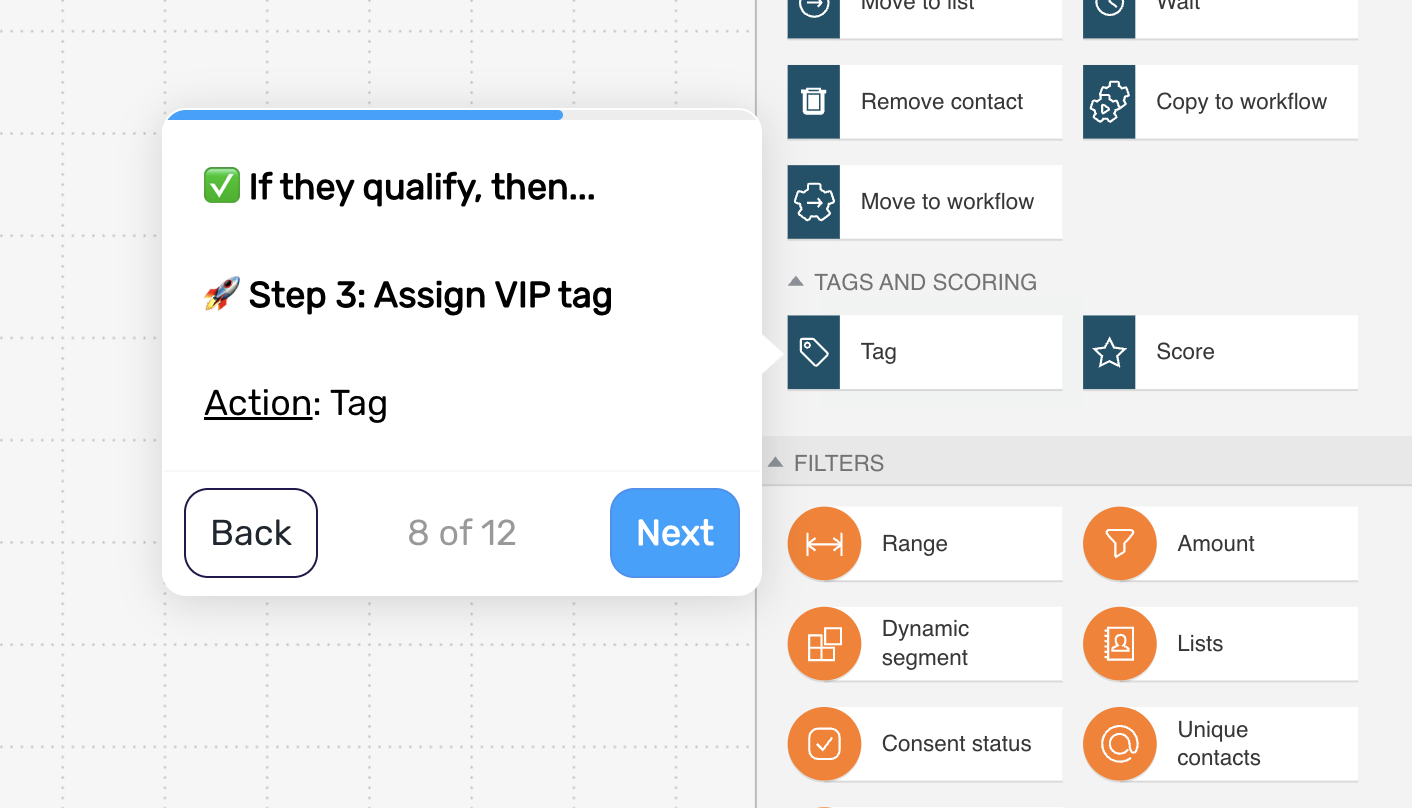
Step 3. Assign VIP status
Tag the customer as a VIP once they meet the criteria.
This makes their status visible across your entire lifecycle system and allows you to treat them differently in future communication.
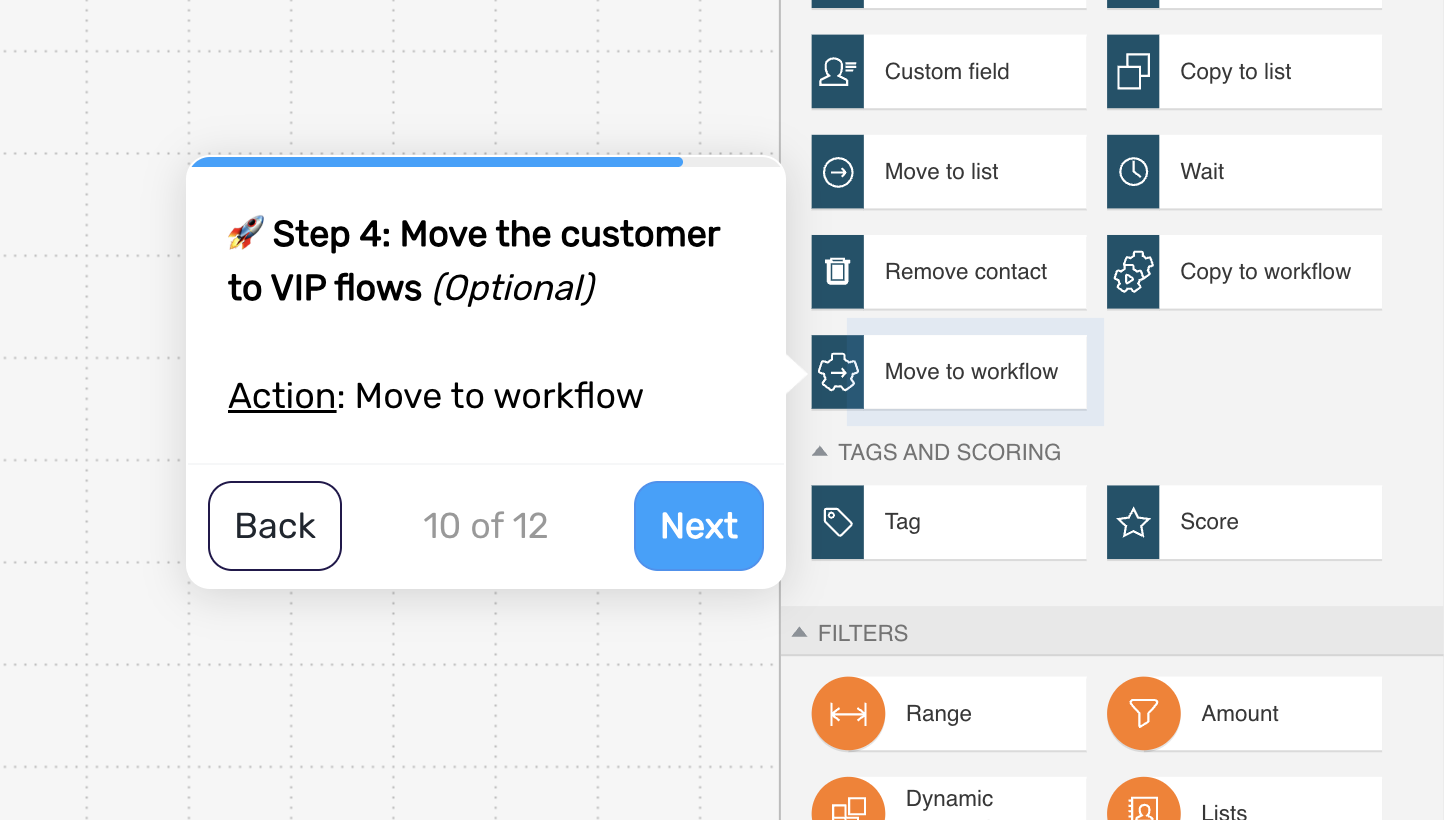
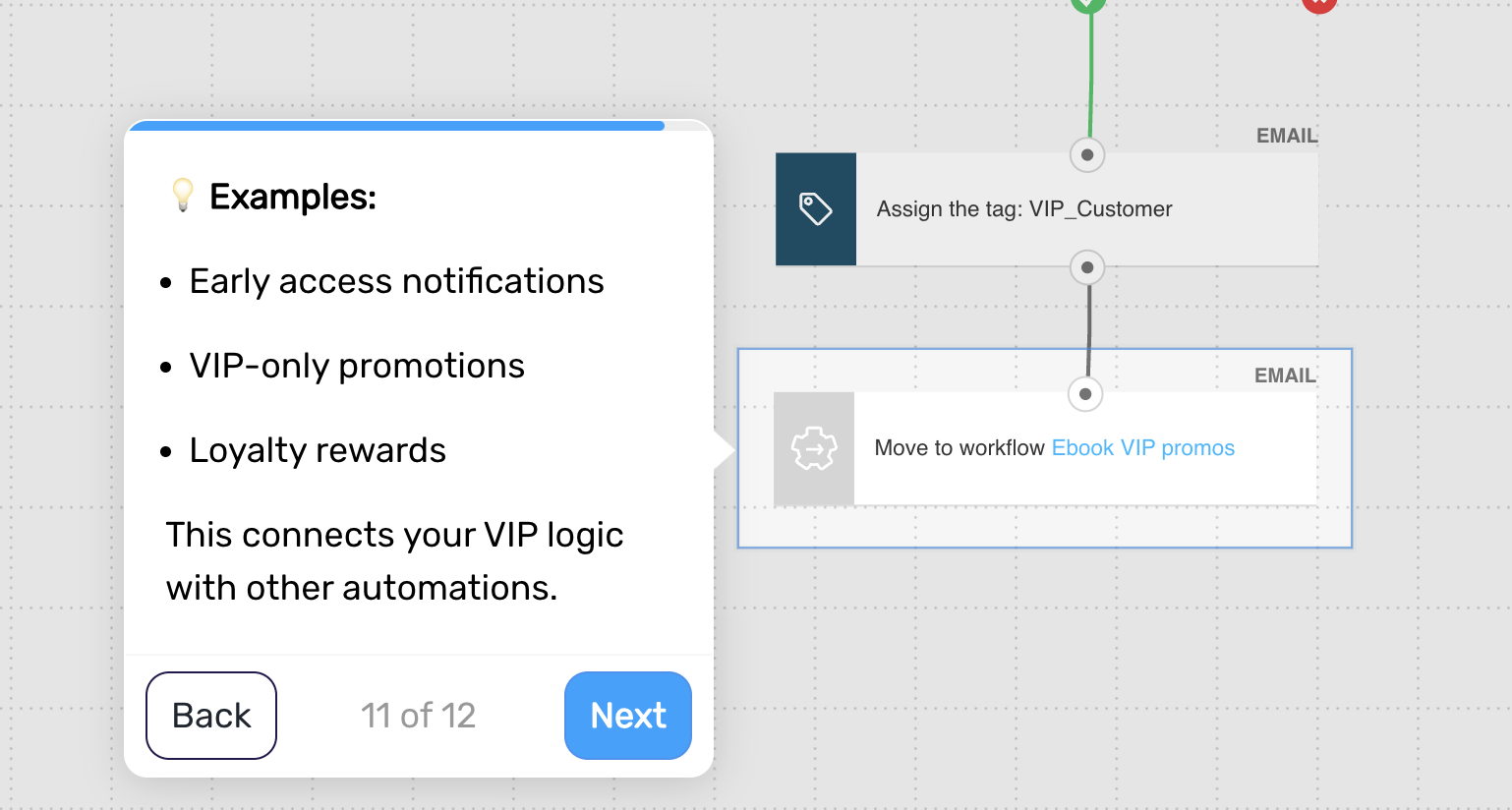
Step 4. Move the customer to VIP experiences (optional)
Connect VIP customers to dedicated flows or campaigns designed specifically for them.
Examples:
early access to product launches
exclusive promotions
loyalty rewards
This is where the value of VIP segmentation becomes tangible.
Step 5. End the flow
The flow ends after VIP status is assigned and the customer is moved to the next stage.
Pro tip: Introduce “soft VIP signals” (like early perks before full qualification) to accelerate behavior – customers often grow into the segment you signal they belong to.