Step-by-step guide
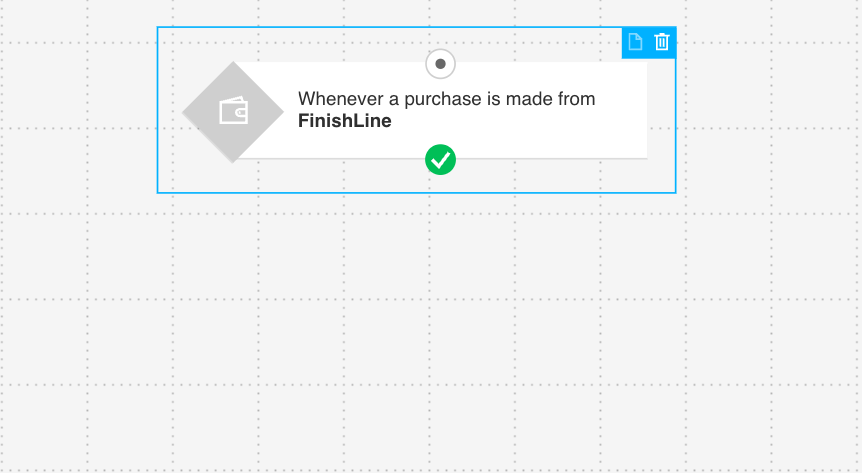
Step 1. Define when the flow is triggered
Trigger the flow after a customer completes a purchase. This ensures every order can lead to a review request.
You can apply this to all purchases or limit it to specific products or categories, depending on what you want to collect feedback on.
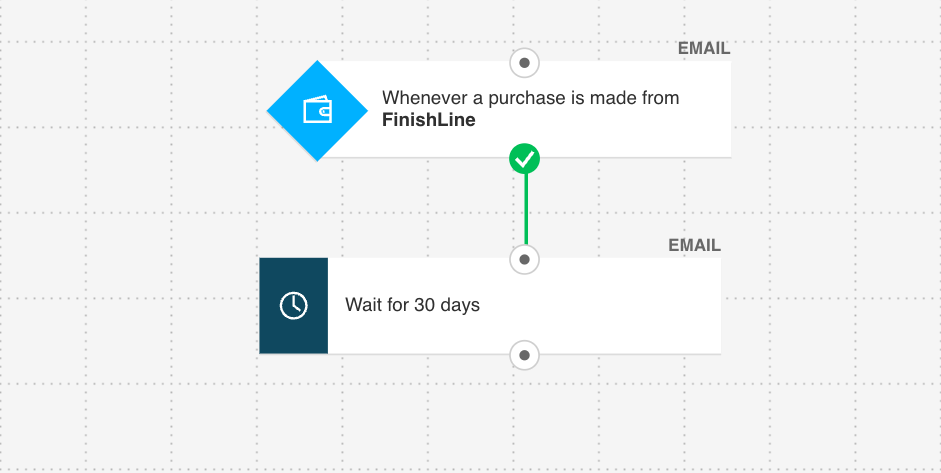
Step 2. Add a delay based on product experience
Wait until the customer has received and had time to use the product.
This delay should reflect:
delivery time
time needed to try the product
This ensures the request feels relevant and not premature.
Step 3. Send the review request message
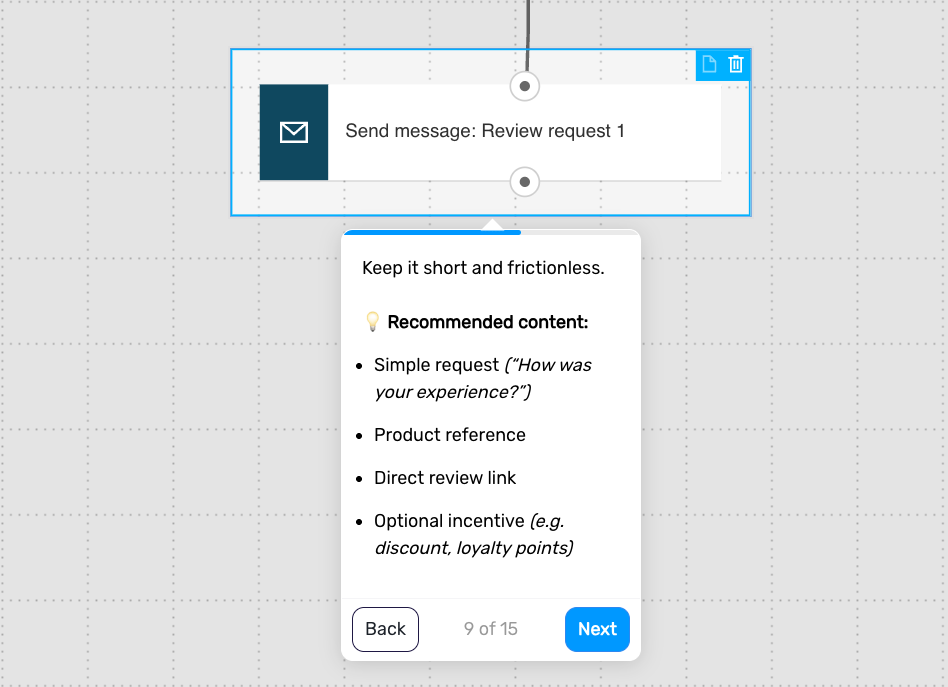
Ask the customer to share their experience in a simple and direct way.
Include:
a short, clear request (e.g. “How was your experience?”)
a reference to the product
a direct review link
optionally, a small incentive
Keep the message short and easy to act on.
Step 4. Add a delay
Wait a few days before following up. This gives customers time to respond without feeling pressured.
Step 5. Check for review or engagement
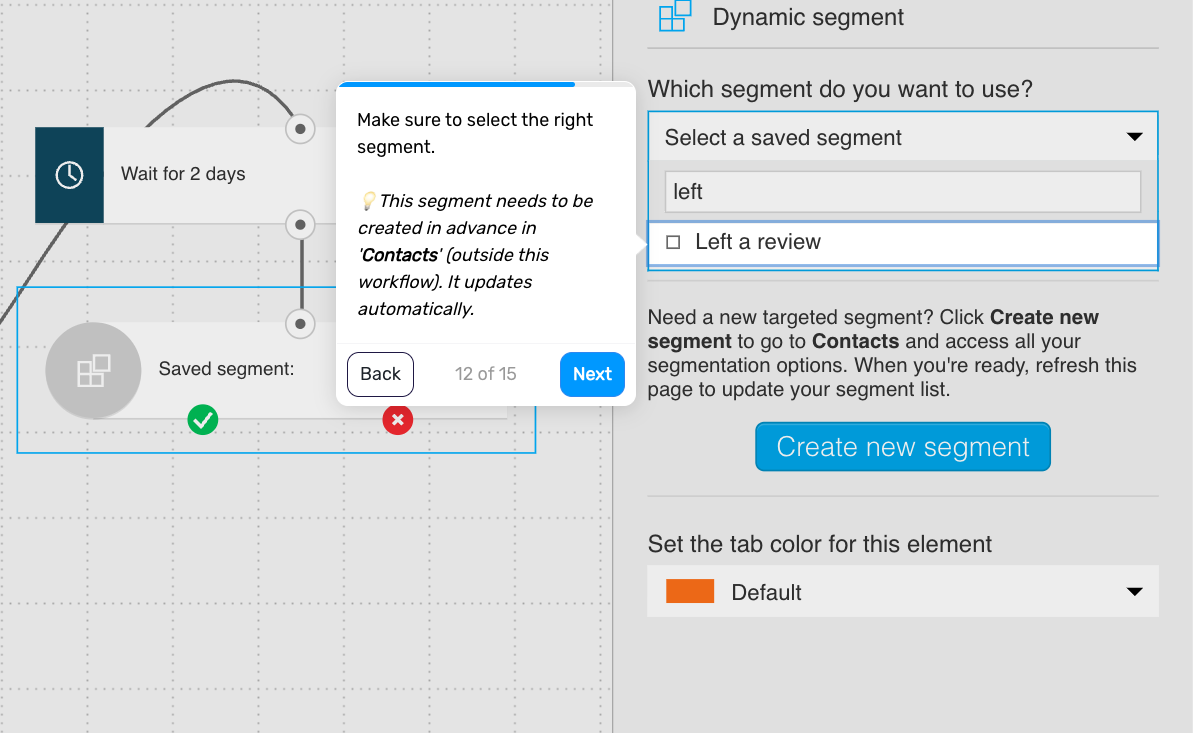
Check whether the customer has already left a review or taken the desired action.
If yes, remove them from the flow
If not, continue
This ensures you only follow up with customers who haven’t responded.
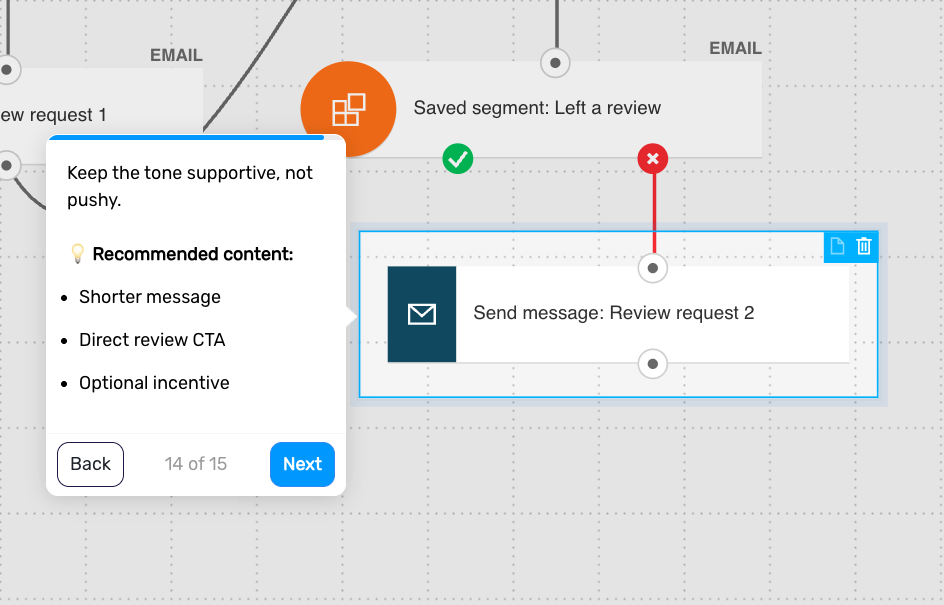
Step 6. Send a follow-up reminder (optional)
Send a gentle reminder to customers who haven’t left a review.
Include:
a shorter message
a clear review link
optional incentive
Keep the tone supportive, not pushy.
Step 7. Move the customer to another flow (optional)
Use this moment to connect engaged customers with other parts of your lifecycle.
Examples:
referral or “invite friends” campaign
loyalty or VIP onboarding
repeat purchase flows
This helps you build on engagement instead of ending the interaction.
Step 8. End the flow
The flow ends after the review is submitted or the sequence is completed.
Pro tip: Turn this into a lightweight NPS flow – ask customers to rate their experience (0–10), then invite promoters (9–10) to leave a public review, while routing passives and detractors into feedback or support flows to improve the experience before asking for anything public.
Useful links
How to set properties for the Purchase condition?
What conditions can I use to create segments in new segmentation?