Step-by-step guide
Step 1. Define when the flow is triggered
Trigger the flow when a price drops on a product the customer has viewed.
Step 2. Set the conditions for the price drop
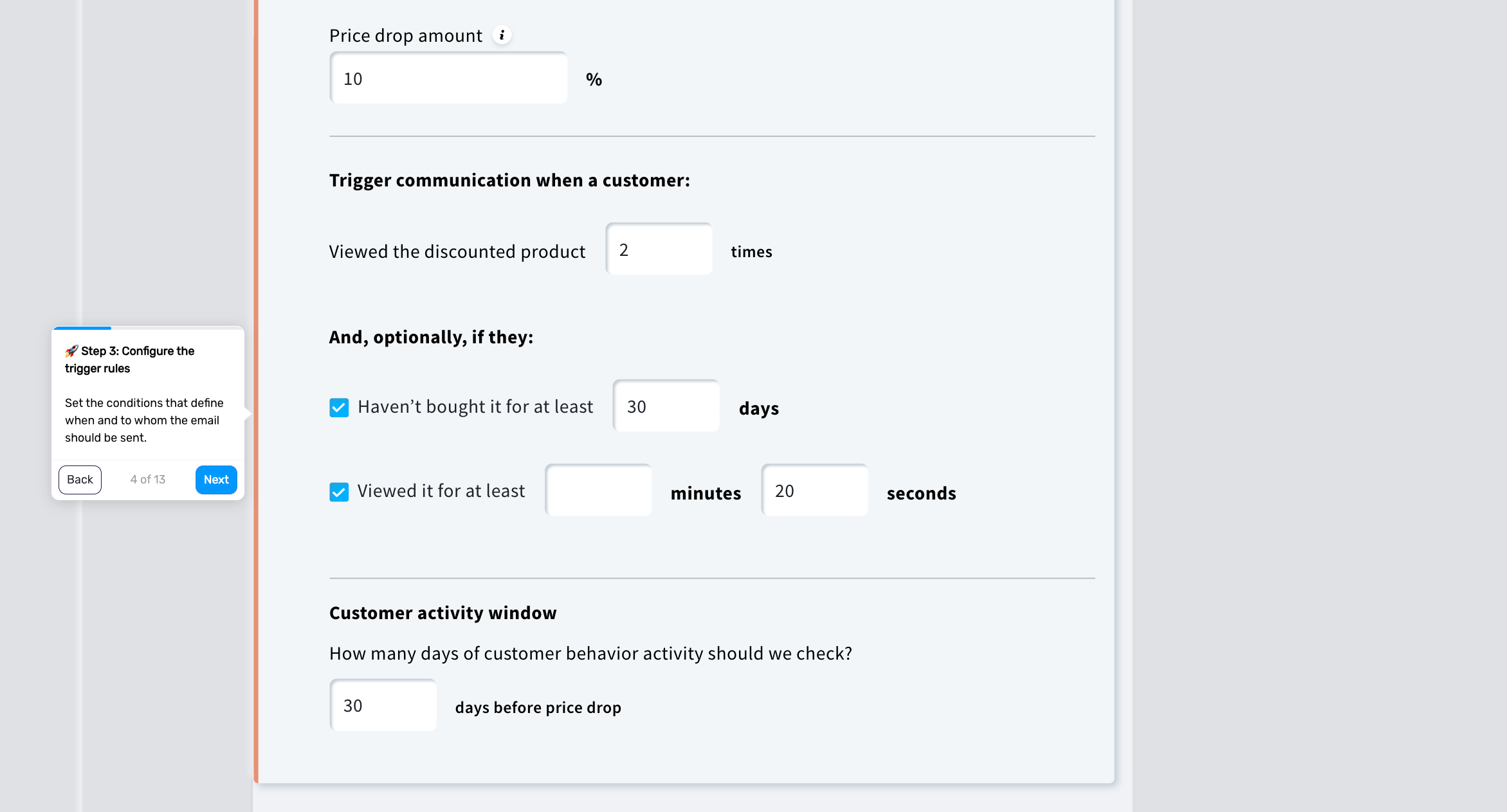
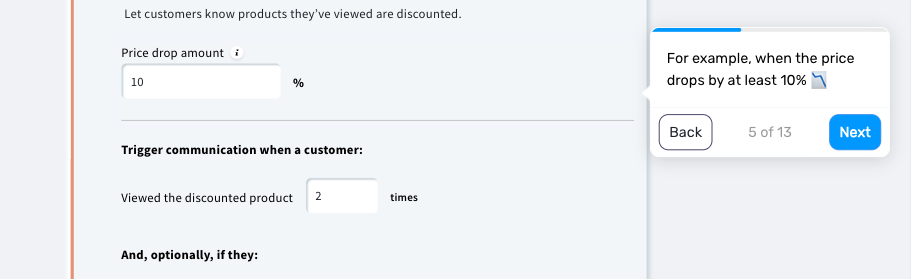
Define what qualifies as a meaningful price change and when the message should be sent.
You can base this on:
the size of the price drop
whether the price drop occurs for one or all product variants
how often the product was viewed
how recently the customer interacted with it
whether the product has already been purchased
This helps you avoid sending notifications that feel irrelevant or too frequent.
Step 3. Create the email
Design the message that will be sent when the price drops.
Include:
the product image
the previous price
the new price
a clear call to action
Keep the message simple and focused on the price change.