Step-by-step guide
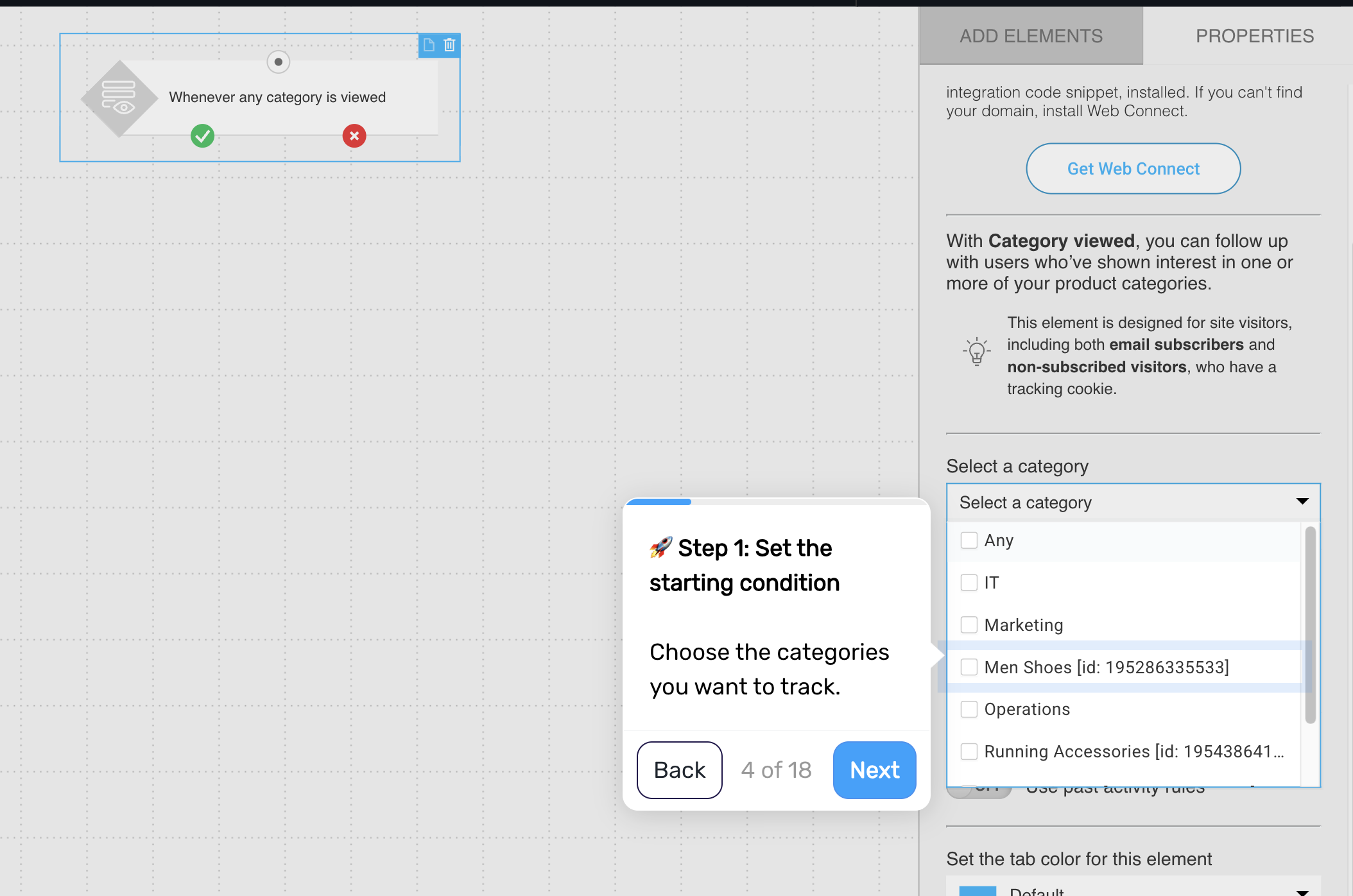
Step 1. Define when the flow is triggered
Trigger the flow when a returning customer visits a specific product, category, or page.
You can define this based on signals such as:
specific products or categories
number of visits
time spent on the page
This helps you focus only on meaningful signals, not casual browsing.
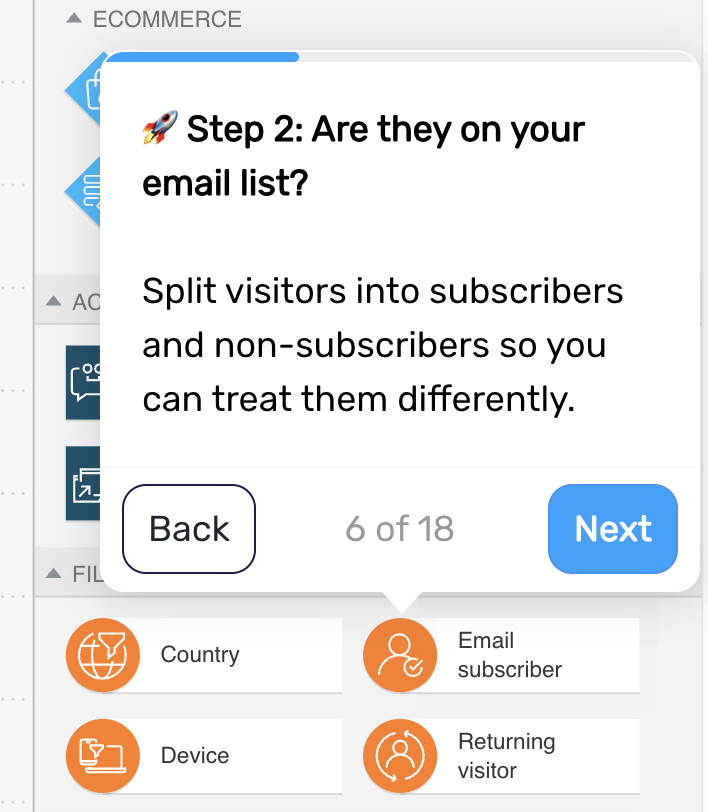
Step 2. Check whether the visitor is a subscriber
Check whether the returning visitor is already on your list.
If yes, continue with a follow-up message
If not, guide them toward subscribing
This allows you to respond differently to known and anonymous visitors.
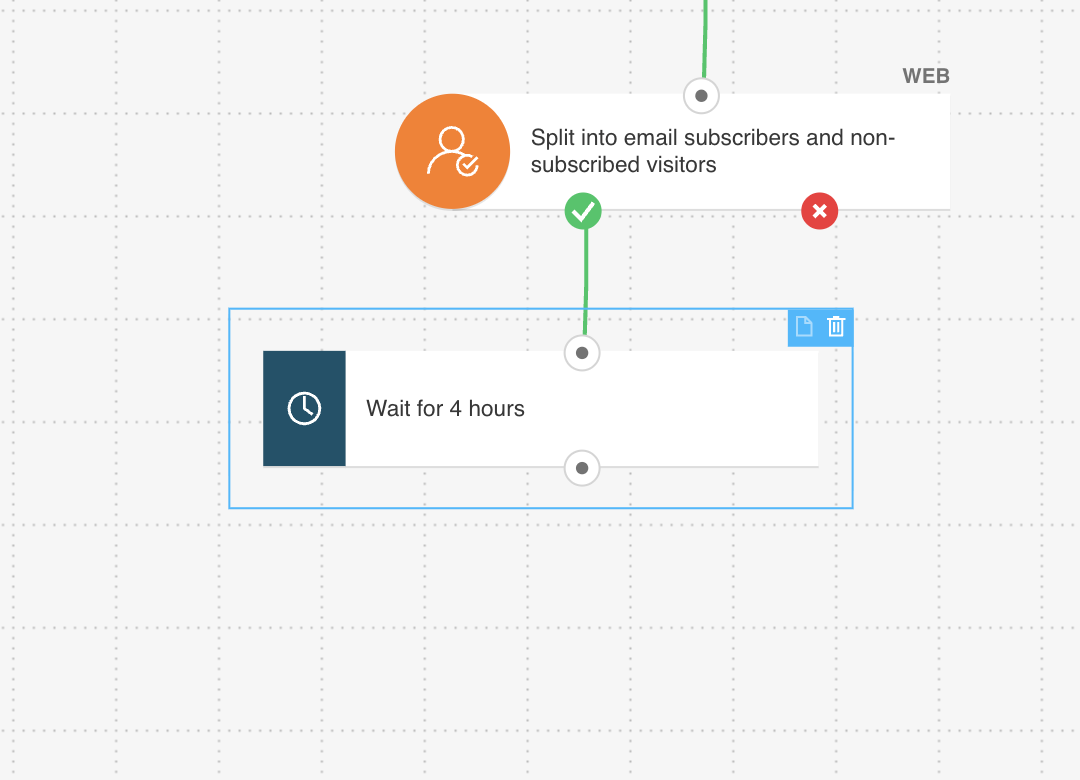
Step 3. Add a delay for subscribers
Wait a short period, such as 1–4 hours, before sending a follow-up. This gives the customer time to continue browsing or complete the purchase on their own.
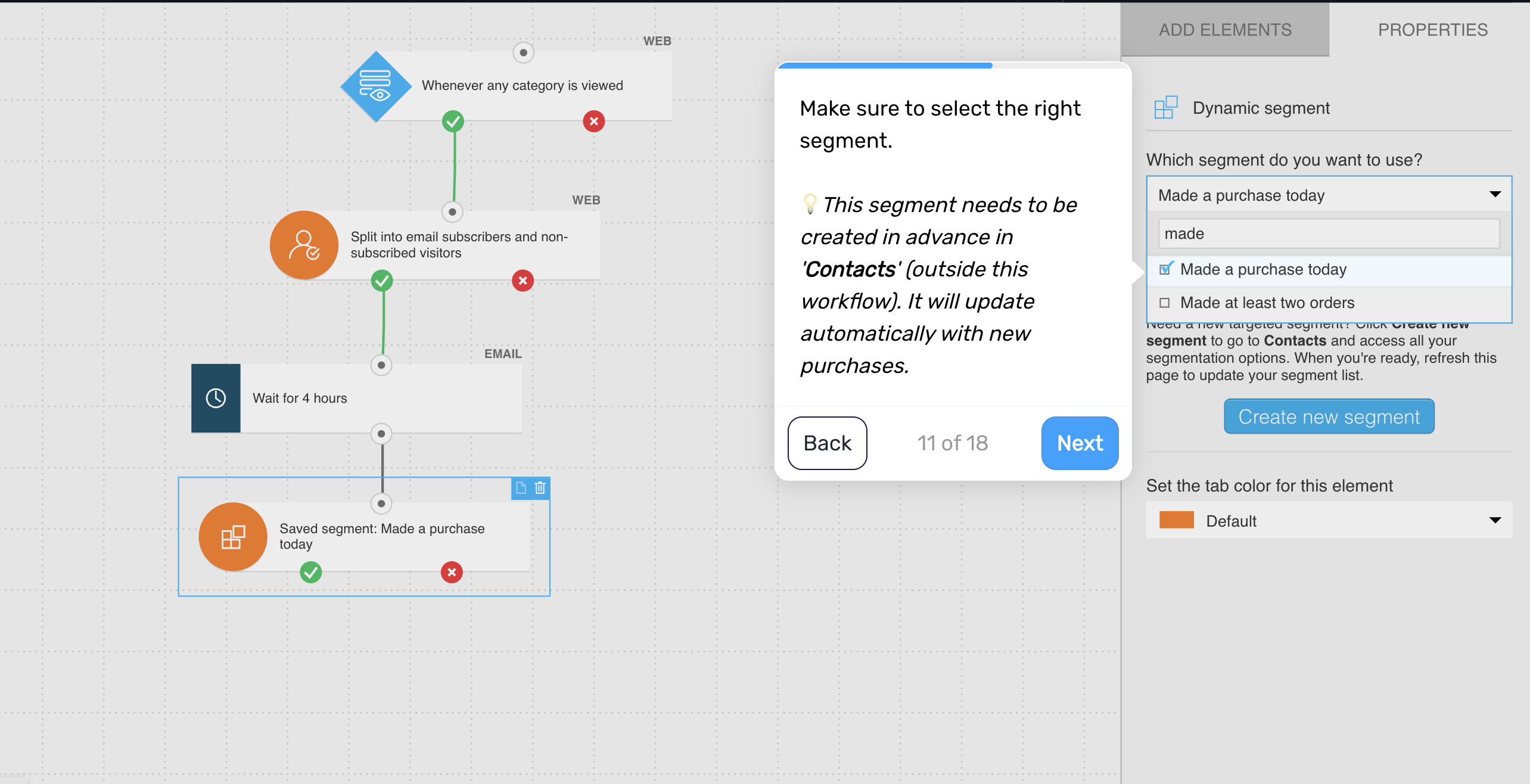
Step 4. Check for purchase
Check whether the customer has already made a purchase after returning.
If yes, remove them from the flow
If not, continue
This prevents unnecessary follow-up.
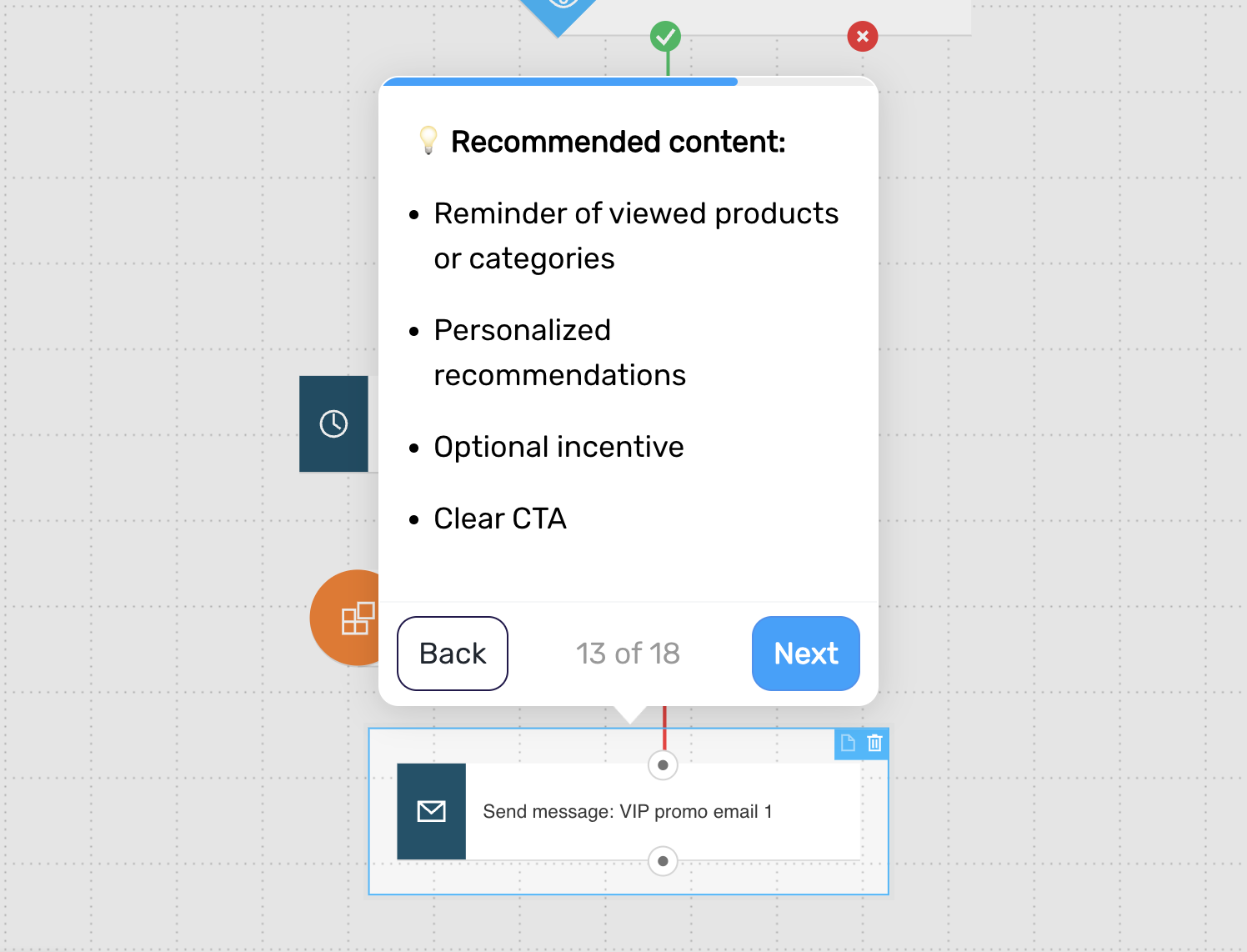
Step 5. Send the follow-up message
Reconnect with the customer while their interest is still active.
Include:
a reminder of the viewed products or categories
personalized recommendations
_
optionally, a small incentive
a clear call to action
This helps turn renewed interest into a purchase.
Step 6. Engage anonymous visitors (optional)
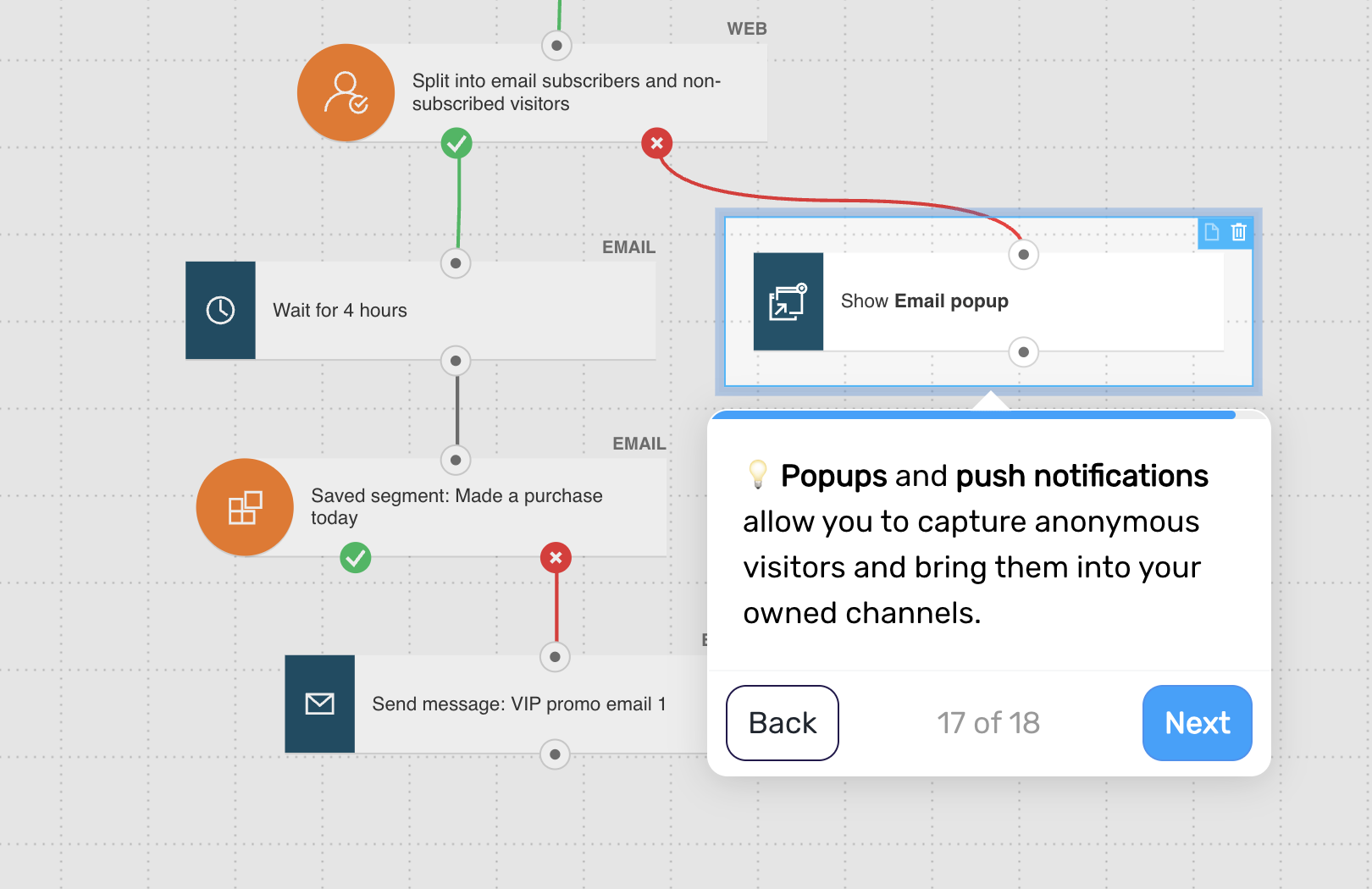
If the visitor is not a subscriber, show a popup or invite them to subscribe to web push notifications.
This helps you capture future opportunities to re-engage.
Step 7. Send a push notification (optional)
If the visitor opts in, follow up with a push notification.
Keep the message short and immediate:
acknowledge their visit
highlight the product or offer
include a quick link back
Step 8. End the flow
The flow ends after the follow-up is sent or the customer takes action.
Pro tip: Prioritize repeat visits to the same product/category over single visits – frequency is a stronger signal of purchase intent than a one-off session.