Step-by-step guide
Step 1. Define when the flow is triggered
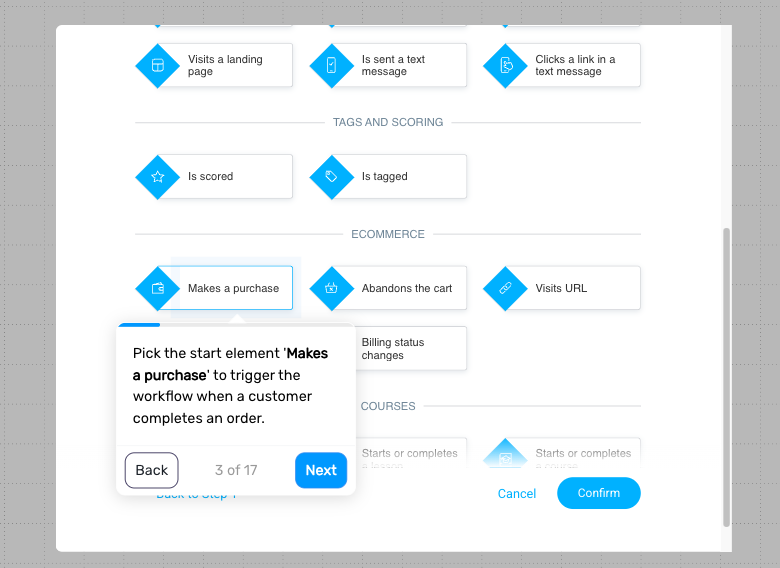
Trigger the flow after a customer makes a purchase. This allows you to use order data to guide what they see next.
You can apply this to all purchases or limit it to specific products or categories, depending on how targeted you want your recommendations to be.
Step 2. Add a delay
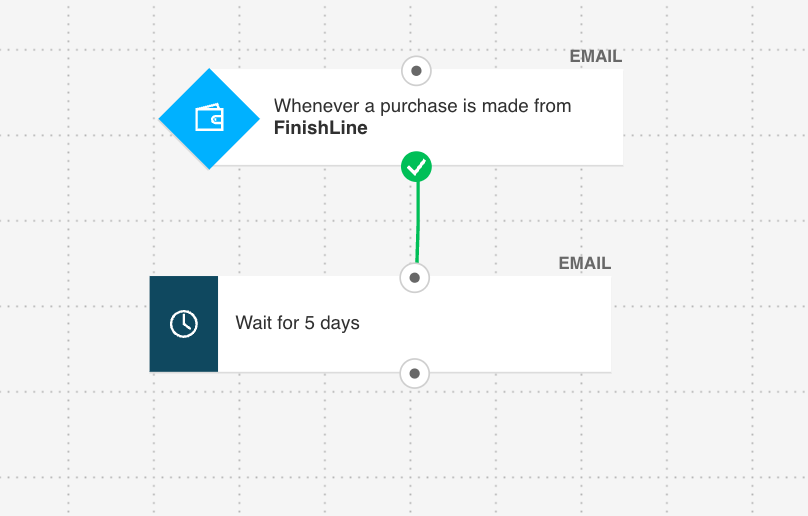
Wait a few days before sending recommendations. This gives the customer time to receive and start using their original purchase.
The timing should reflect your product type and how your post-purchase flow is structured.
Step 3. Check for repeat purchase (optional)
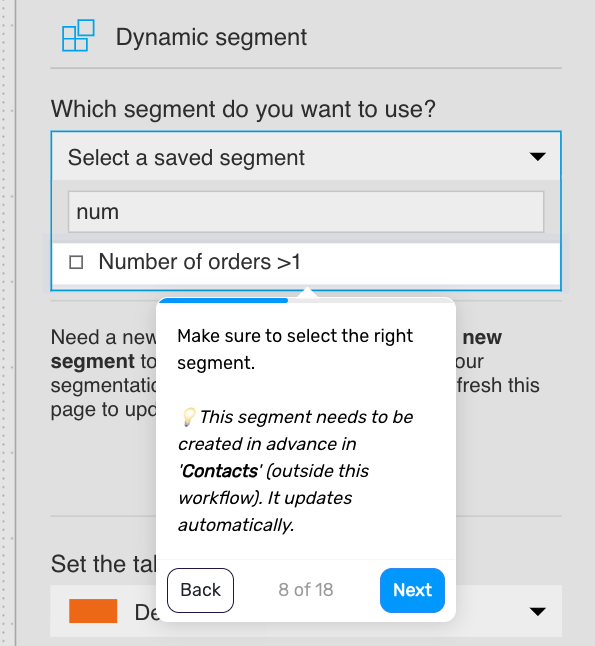
Check whether the customer has already made another purchase. If they have, you can tag them and remove them from the flow. If not, continue.
This keeps your messaging relevant and avoids unnecessary recommendations.
Step 4. Send the recommendation message
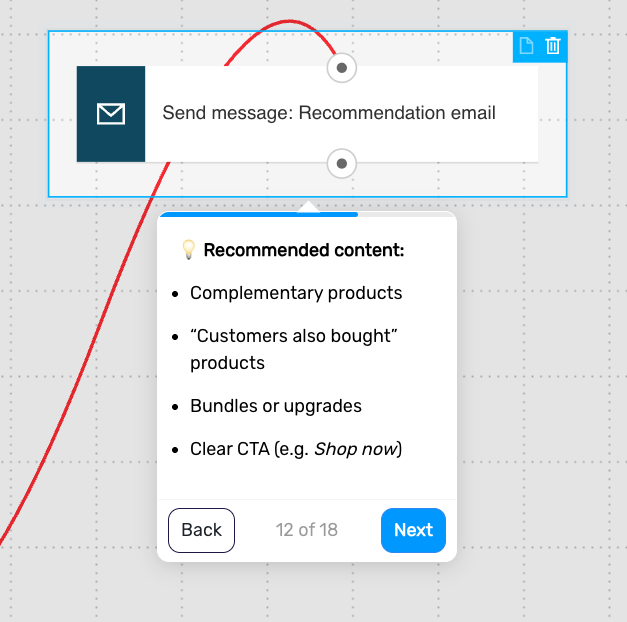
Follow up with products that are directly related to what the customer has already purchased.
Include:
complementary products
“customers also bought” suggestions
bundles or upgrades
a clear call to action
This helps the next purchase feel like a natural continuation rather than a new decision.
Pro tip: Use dynamic AI product recommendations to show items that match each customer’s purchase history and browsing behavior.
Step 5. Extend the flow with additional recommendations (optional)
You can add another message with different types of recommendations if it fits your strategy.
Examples:
category-based suggestions
bestseller
seasonal products
personalized picks
Keep the frequency balanced to avoid overwhelming the customer.
Step 6. Check for repeat purchase again
Check again whether the customer has made another purchase.
If yes, tag them as a repeat customer and move them to the next stage
If not, allow the flow to continue or end
This helps you separate first-time buyers from repeat customers.
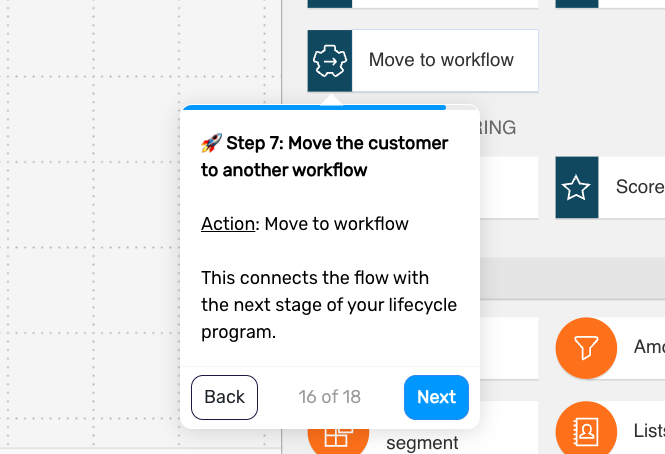
Step 7. Move the customer to another flow (optional)
Connect this flow with the next stage of your lifecycle program.
Examples:
review request flow
loyalty or VIP onboarding
referral campaign
This ensures customers who convert continue moving through your system.
Step 8. End the flow
The flow ends after the recommendation messages are sent or the customer moves to another stage.
Pro tip: Delay your recommendations until the customer has had enough time to experience the original product – sending them too early often lowers engagement because the purchase still feels “unfinished.”