Step-by-step guide
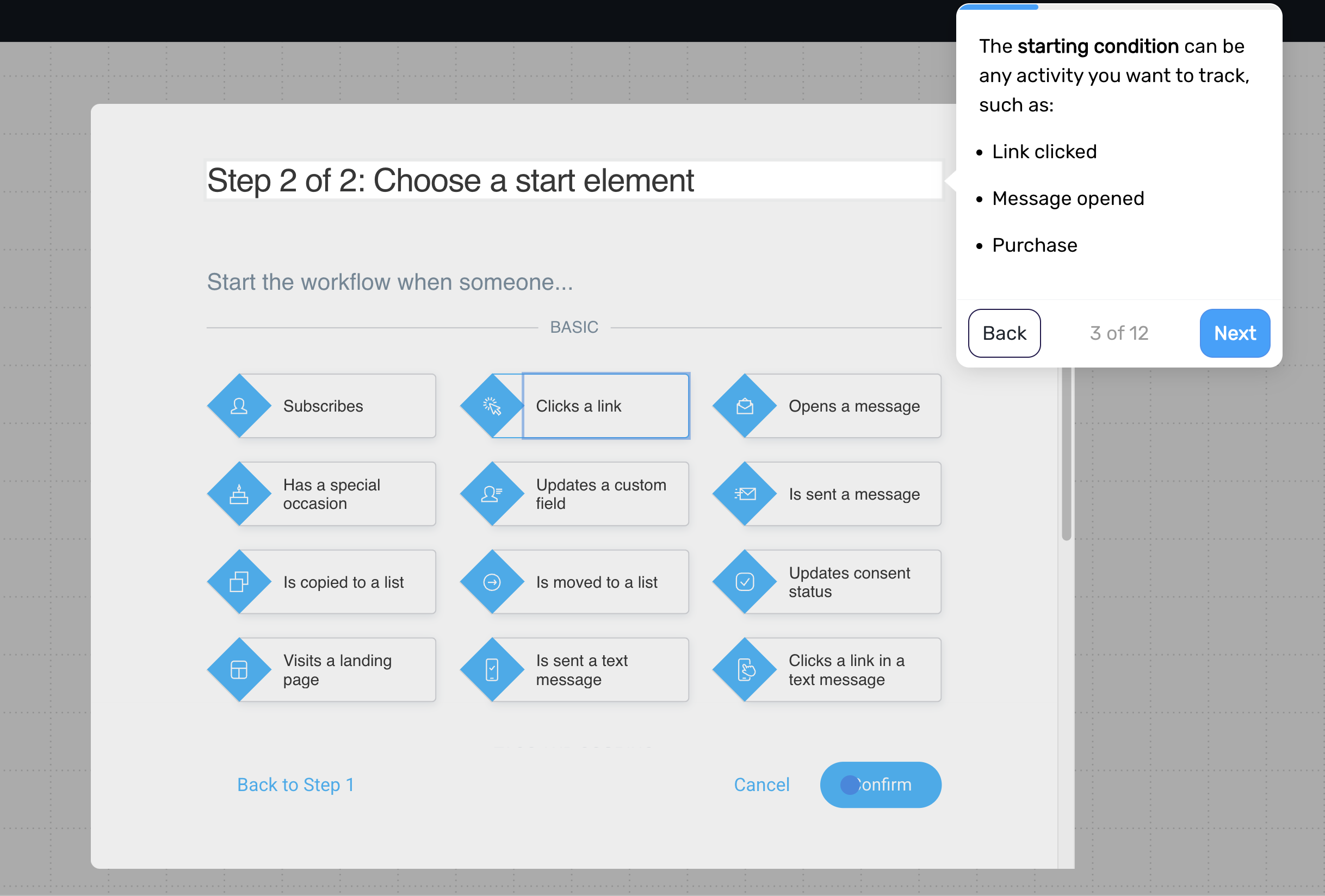
Step 1. Define which customer behaviors to track
Start by identifying the actions that signal intent, such as clicks, product views, or purchases.
Examples:
clicking a product or category link
visiting a specific page
purchasing a product
Focus on behaviors that indicate real interest, not just general activity.
Step 2. Assign tags based on behavior
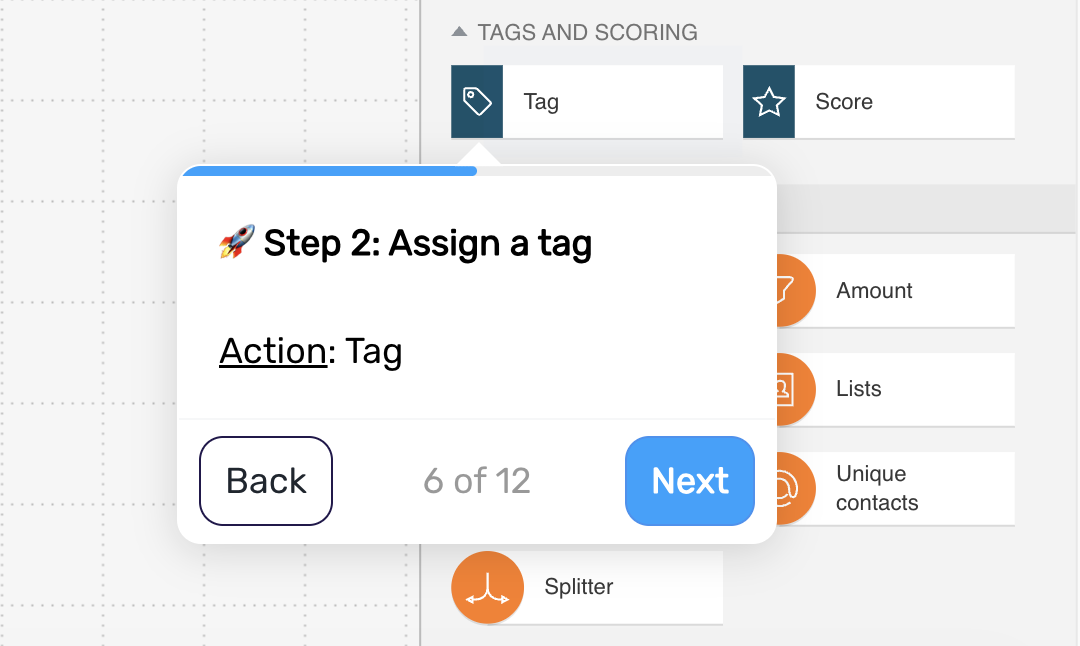
Assign a tag when a customer performs one of these actions.
Examples:
viewed category → category_interest_skincare
clicked subscription offer → subscription_interest
purchased product → customer
This makes each signal usable in other flows.
Step 3. Add scoring (optional)
Assign points to different actions to reflect their level of intent.
Examples:
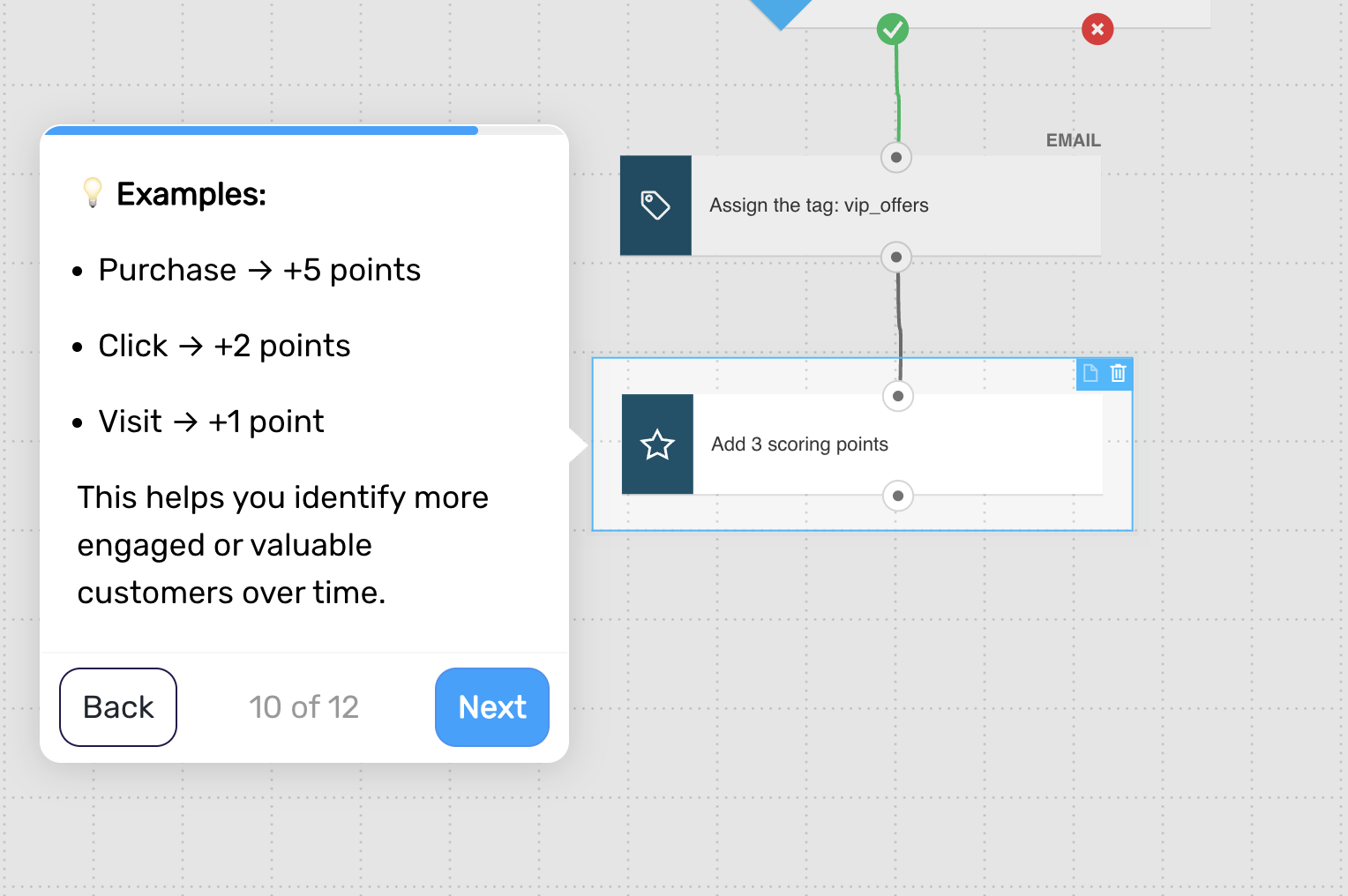
purchase → +5 points
click → +2 points
visit → +1 point
This helps you identify more engaged or valuable customers over time.
Keep this simple — you don’t need a complex scoring model.
Step 4. Use tags and scores in other flows
Apply these signals to personalize your communication across the lifecycle.
Examples:
send specific offers based on category interest
prioritize high-score customers for promotions
trigger campaigns based on intent signals
This is where the value of tagging and scoring becomes visible.
Step 5. Keep updating signals over time
As customers continue to interact, update their tags and scores automatically.
This allows your messaging to stay relevant without adding complexity to each individual flow.
Step 6. End the flow
This flow runs continuously in the background. Each time a defined behavior occurs, tags or scores are updated.
Pro tip: Decay scores over time – recent behavior is far more predictive than historical actions, and this keeps your targeting sharp without adding complexity.